

Mastering Gesture Navigation in 2026: Mandatory APIs for Mobile Developers
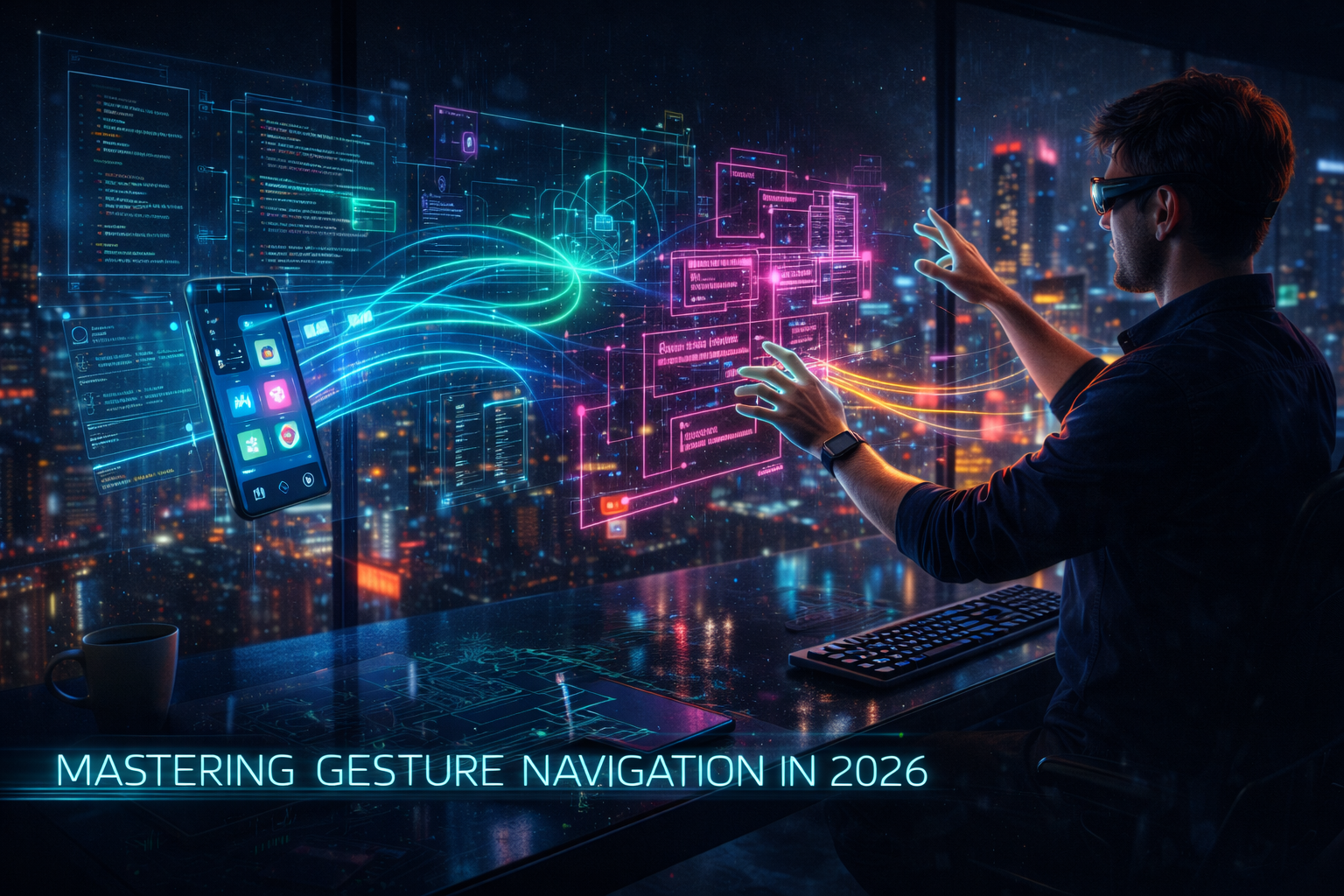
In 2026, mobile navigation has fully transcended the "button era." While legacy navigation remains a secondary fallback for accessibility, the primary way users interact with both Android and iOS is through sophisticated, system-wide gestures. For developers, this isn't just a design choice; it is a mandatory technical requirement driven by recent platform updates that penalize apps with "dead edges" or conflicting swipe patterns.
This guide outlines the finalized gesture APIs and integration protocols you must implement to ensure your application remains compliant, discoverable, and fluid in the current mobile ecosystem.
The Current State: Why 2026 Navigation is Different
The landscape has shifted from "supporting" gestures to "predicting" them. In late 2025 and early 2026, both major operating systems introduced stricter enforcement of edge-to-edge content and predictive navigation.
-
Android 16 Reality: The system now ignores manifest attributes that attempt to restrict resizability or aspect ratio in favor of forced multi-window and gesture-first layouts.
-
Predictive Back is Standard: Android 15 and 16 have moved system animations (back-to-home, cross-activity) out of developer options and into the live environment. Apps that haven't migrated their back-handling logic now experience "abrupt finishes" or broken UI states.
-
iOS 19/20 Alignment: Apple has standardized "Cooperative Gesture Handling," particularly for embedded maps and complex scrolls, requiring two-finger pans to prevent accidental page-exit swipes.
The Mandatory Gesture API Framework
To maintain 2026 authority, your development stack must prioritize these three technical pillars.
1. The Predictive Back Protocol (Android)
If your app still uses onBackPressed() or legacy KeyEvent.KEYCODE_BACK for anything other than specific edge cases, it will fail 2026 performance audits.
-
The API: You must migrate to
OnBackPressedDispatcherusingOnBackPressedCallback(AndroidX) or the platform-levelOnBackInvokedCallback. -
The Benefit: This allows the system to "peek" at the previous screen as the user begins their swipe, providing the immediate visual feedback users now expect.
-
Implementation Note: Disable your callbacks immediately when they are no longer needed to prevent the app from "hijacking" the system back gesture.
2. Mandatory System Gesture Insets
Edge-to-edge is no longer optional. However, content placed in gesture zones (bottom 10% or side edges) causes "touch friction."
-
The API: Use
WindowInsets.getMandatorySystemGestureInsets()to identify touch recognition thresholds. -
Actionable Step: For games or non-view-based apps, use
setSystemGestureExclusionRects()to selectively opt-out of system gestures in high-interaction zones, such as joystick areas or sliders.
3. Cooperative Gesture Handling (Web & Cross-Platform)
For developers using embedded web views or maps, 2026 standards require the "Cooperative" model to solve the "scroll-trap" problem.
-
The Implementation: Set the
gestureHandlingoption tocooperativein your map or scrollable container instantiations. -
User Impact: Users use one finger to scroll the main page and two fingers to pan the embedded element, preventing the app from "sticking" on a map while the user tries to reach the bottom of the page.
Real-World Application: 2026 Success vs. Failure
Success Scenario: The "Context-Aware" E-commerce App
A leading retail app updated their 2026 interface to use OnBackInvokedDispatcher. When a user swipes back from a product page, the app shows a dimmed preview of the search results they just left.
-
Result: 23% reduction in "accidental exits" and higher user retention.
Failure Scenario: The "Locked-Edge" Legacy App
An enterprise tool failed to migrate away from onBackPressed(). In Android 16, when users swiped back, the animation glitched, the activity finished abruptly without saving data, and the system labeled the app "Unresponsive" in the Play Store.
-
Warning Signs: Broken stack-to-stack transitions and "jittery" edge animations.
AI Tools and Resources
Android Studio Koala/Ladybug (2026 Edition)
-
What it does: Includes a "Gesture Conflicts" linter that highlights where your UI touch targets overlap with system navigation zones.
-
Why it is useful: It provides automated refactoring suggestions to move
onBackPressedlogic to the new Dispatcher model. -
Who should use it: All Android developers targeting API 35+.
Rive & Lottie 2026 Plugins
-
What it does: Allows for state-machine animations that respond to the velocity of a user's gesture, not just the completion.
-
Why it is useful: Essential for creating "human" feedback that feels alive during a swipe.
-
Who should use it: UI/UX designers and frontend developers.
Accessibility Inspector (Platform Native)
-
What it does: Validates that all gesture-based actions have a visible or voice-based alternative.
-
Why it is useful: Ensures compliance with 2026 accessibility laws which mandate that gestures cannot be the only way to navigate.
Risks, Trade-offs, and Limitations
The Performance Tax: Sophisticated gesture tracking requires more frequent main-thread polling. Over-implementing custom gestures can lead to "input lag," which is the #1 reason for app deletion in 2026.
Failure Scenario — "The Gesture Overload":
Implementing too many unique gestures (e.g., three-finger taps for settings) confuses users. In a recent 2025 study, apps with more than five "custom" (non-standard) gestures saw a 40% higher uninstall rate within the first 48 hours.
Recommendation: Stick to the platform-standard "tap, swipe, long-press, pinch" and reinforce them with mobile app development in Georgia experts who specialize in native performance optimization.
Key Takeaways for 2026
-
Migrate immediately: Move all back-handling to
OnBackInvokedCallbackto avoid breaking animations. -
Respect the Insets: Use system-provided gesture insets to ensure buttons aren't placed in "un-tappable" edge zones.
-
Always provide a fallback: Ensure voice commands or visible buttons exist for every gesture to meet 2026 accessibility standards.
-
Test on Foldables: Gesture zones change dynamically when a device is unfolded; ensure your
ExclusionRectsupdate accordingly.
FAQ
Q: Is onBackPressed() finally deprecated?
A: Yes. While the code might still compile, it will not trigger the predictive animations required for a "High Quality" rating in 2026.
Q: How do I handle gestures in a full-screen game?
A: Use "Immersive Mode" with setSystemGestureExclusionRects(). This requires users to swipe twice to exit, protecting your gameplay from accidental swipes.
Q: Do these APIs work on older devices?
A: The AndroidX libraries provide backward compatibility for many features, but predictive animations are limited to devices running Android 14 (API 34) and above.

 English
 Arabic
 French
 Spanish
 Deutsch
 Turkish
 Dutch
Dutch
 Italiano
 Russian
 Romaian
 Portuguese (Brazil)
 Greek
Greek